A comparison of popular Dogecoin wallets: Electrum Doge, MultiDoge, and Dogecoin Core. How to choose the best wallet for storing and transacting Dogecoin? What are the advantages and disadvantages of each?
🌟 Review of popular Dogecoin wallets: the choice is yours
How nice it is to regularly add to your cryptocurrency collection without worrying about the security of your funds. Dogecoin owners have several options, from simple to more complex, each suited to different needs. Today, we’ll look at three popular Dogecoin wallets : Electrum Doge , MultiDoge , and Dogecoin Core . We’ll explore their differences, their advantages and disadvantages, and which one is best suited for your needs.
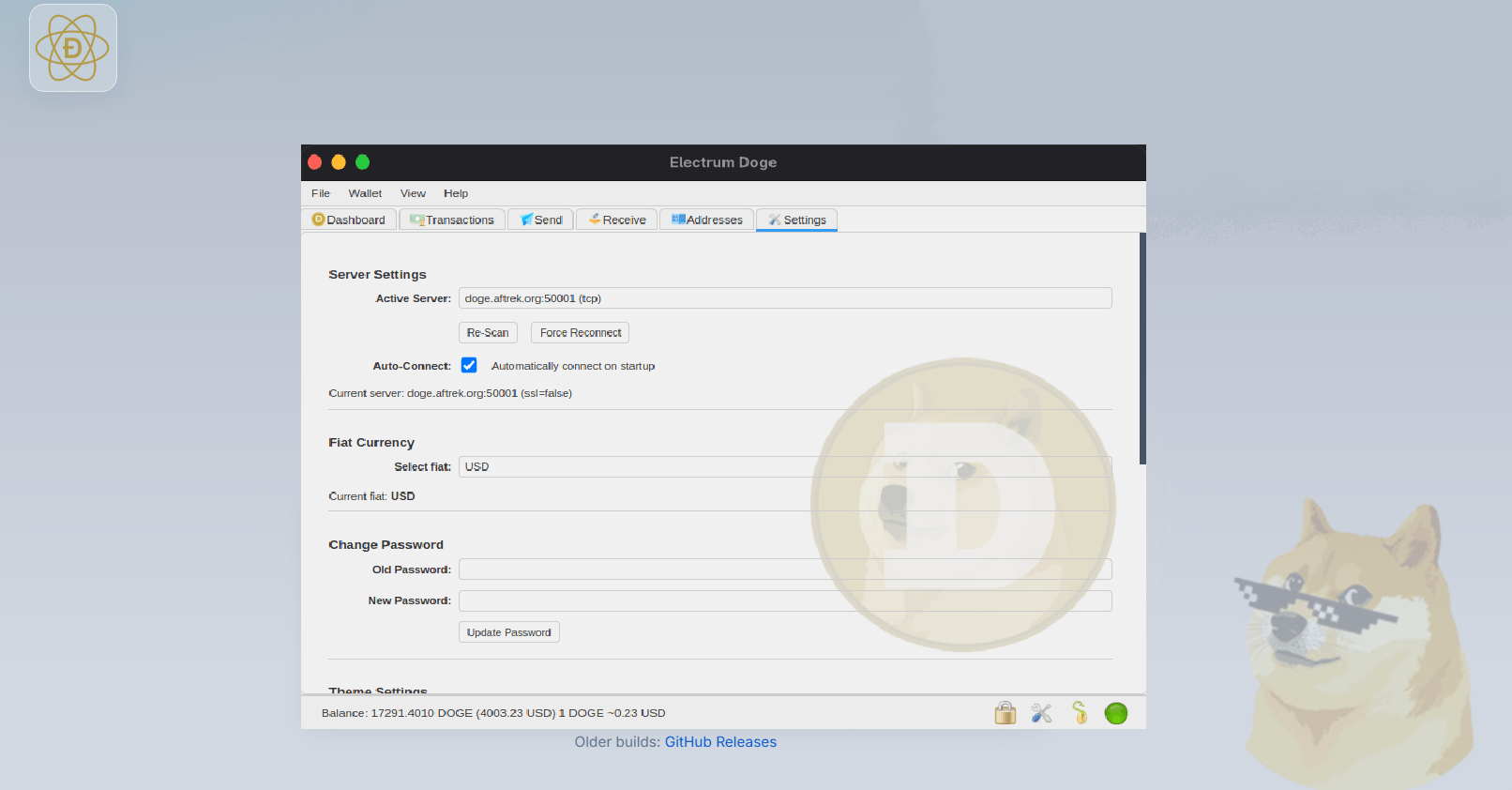
⚡ Why should you pay attention to Electrum Doge?
Electrum Doge is a lightweight and fast Dogecoin wallet focused on security and ease of use. If you need to manage your coins quickly and securely, Electrum Doge is an excellent choice.
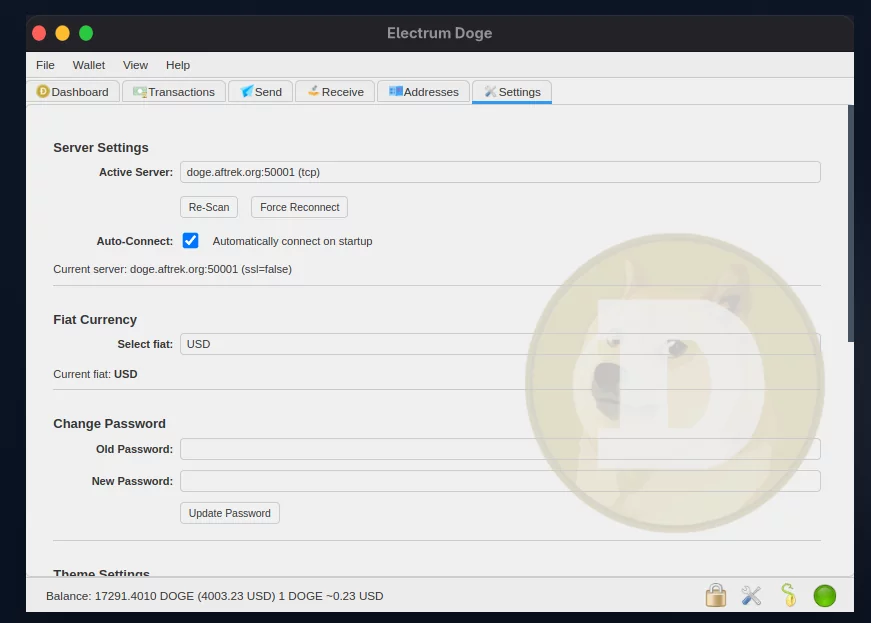
Advantages of Electrum Doge:
- Lightweight and fast: Minimal system requirements, quick wallet creation, and even works seamlessly on older PCs.
- High security: Uses a seed phrase and password for protection. Supports multi-signature wallets and two-factor authentication via Tor.
- Interface and functionality: Simple, intuitive interface with basic functions: sending, receiving, transaction history.
- Connect to hardware wallets: Can be integrated with Trezor and Ledger for added security.
However, there are some limitations :
- Less storage options: Unlike more comprehensive wallets like Dogecoin Core, Electrum Doge does not offer the ability to download the entire blockchain, which reduces decentralization.
- Lack of built-in mining features : There is no way to mine Dogecoin directly from the wallet.
⚡ Download Electrum Doge without problems
Don’t trust dubious websites and torrents. Download only from official sources:
- Official website:
- GitHub:
Select your OS (Windows, macOS, Linux) and download the latest version. Be sure to verify the file signature for security.
🛠 Installation and configuration
Installation is simple—just follow the on-screen instructions. On Windows, it’s as simple as clicking “Next” and selecting a folder. On Linux, you may need to use the terminal, but don’t worry.
When creating a wallet:
- Choose Standard Wallet .
- Generate your seed phrase and save it safely!
- Set a password for local protection.
Don’t store your seed in the cloud!
🌍 Interface and usage
The interface is minimalistic but functional:
- Receive – to receive Doge.
- Send — for sending coins with a commission check.
- History is your log of all operations.
💼 MultiDoge is the choice for those who love simplicity
MultiDoge is a lightweight and minimalist wallet designed for users who don’t want to fuss with settings. Its simplicity and ease of use make it an excellent choice for those looking to send and receive Dogecoin without the hassle.
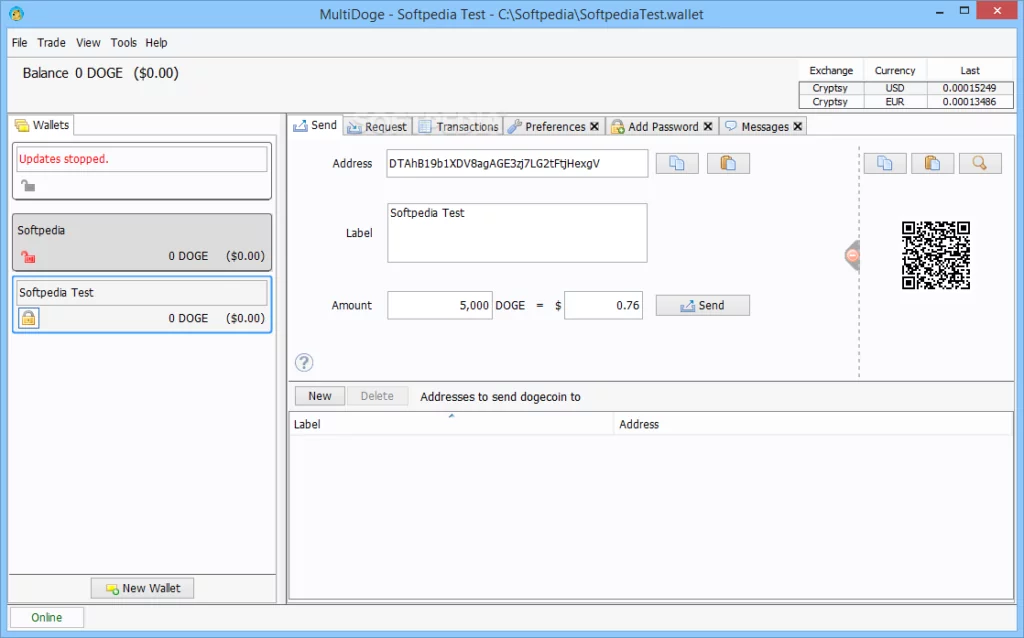
MultiDoge advantages:
- Ease of use: Very simple interface and setup, suitable for beginners.
- Ease of use: Installs easily on any device without requiring significant resources.
- Flexibility: Allows you to create multiple wallets, which is convenient for storing different amounts.
- Low resource consumption: Does not require much computing power and does not load the system.
However, MultiDoge also has its weaknesses:
- Less secure than Electrum Doge and Dogecoin Core. No built-in two-factor authentication.
- Limited functionality: Minimum settings and security options.
⚡ Download and install MultiDoge
- Visit the official website: https://www.multidoge.org
- Select your OS: Windows, macOS or Linux.
- Download the latest version and run the installation.
🛠 Wallet setup
- When you first launch it, select create a new wallet .
- Save the seed phrase in a safe place (paper, flash drive, metal plate).
- Set a password for local protection.
🌍 Interface and functions
- Receive – Create addresses to receive Doge.
- Send — send coins and check the fee.
- Transaction History – keep track of all transactions.
MultiDoge is lightweight and beginner-friendly, but does not support hardware wallets or advanced security features.
🐕 Dogecoin Core – for true fans of decentralization
Dogecoin Core is a full-fledged client that includes the entire Dogecoin blockchain. If you want to be at the center of the ecosystem, then Dogecoin Core will be your best friend. It’s the perfect choice for those who want the security of decentralized storage.
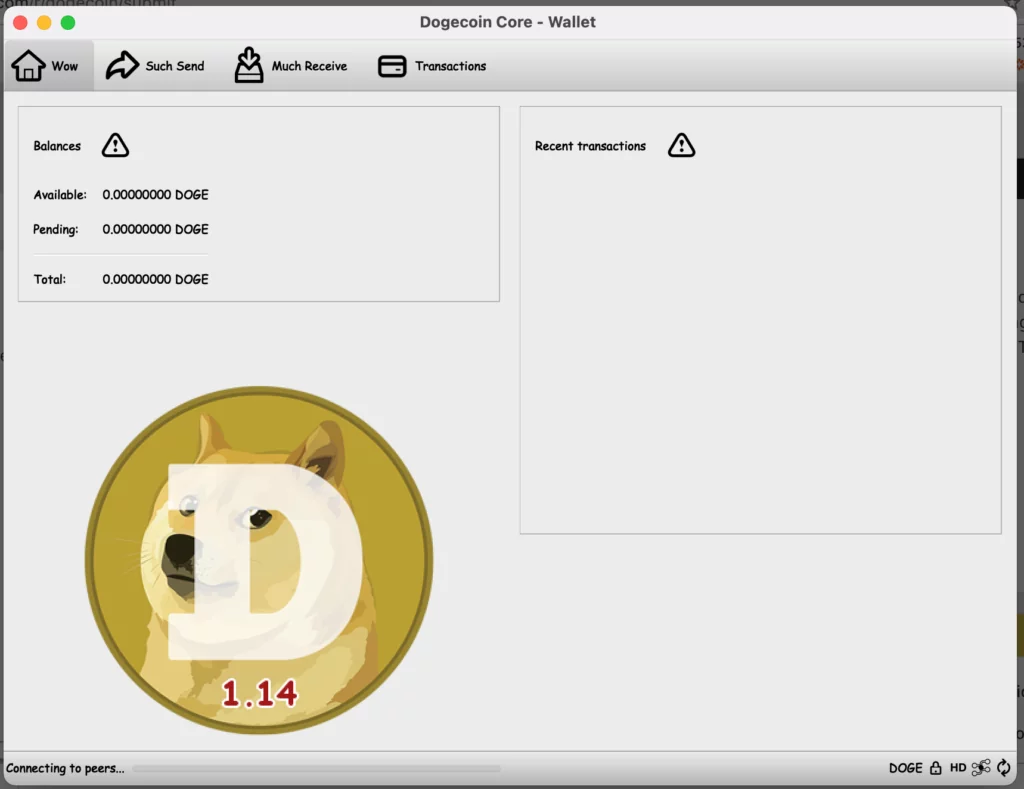
Advantages of Dogecoin Core:
- Full control over the blockchain: Dogecoin Core downloads and stores the entire blockchain, giving users complete confidence that their coins are truly secure.
- Decentralization: This is a full network node operating on decentralized principles. You are not dependent on third-party servers.
- Security: Using the full data block makes the wallet extremely secure and protected from server-side attacks.
However, such advantages come with several disadvantages:
- System requirements: Dogecoin Core requires significant resources and disk space. Approximately 30-40 GB of free space is required to store the full blockchain.
- Slowness: The wallet is slow when first launched because it needs to download the entire blockchain.
⚡ Download and install Dogecoin Core
- Go to the official website:
- Select the version for your OS: Windows, macOS or Linux.
- Download and run the installation.
🛠 Wallet setup
- When you first launch the wallet, it will begin downloading the full blockchain , which can take time and a lot of disk space (30–40 GB).
- Create a new wallet and save the seed phrase in a safe place.
- Set a password for local protection.
🌍 Interface and functions
- Receive – to receive Doge.
- Send — send coins with commission verification.
- History is a log of all transactions.
- Full blockchain – ensures maximum security and decentralization.
Dogecoin Core is ideal for users who want to be completely autonomous and control the entire blockchain, but requires more resources and time to synchronize.
📊 Dogecoin Wallet Comparison
| Function | Electrum Doge | MultiDoge | Dogecoin Core |
|---|---|---|---|
| Ease of use | 🟢 Very easy to set up | 🟢 Very simple interface | 🔴 Requires blockchain download |
| Safety | 🟢 High security | 🔴 Average security | 🟢 Very high security |
| System requirements | 🟢 Low | 🟢 Low | 🔴 Tall |
| Connecting to hardware wallets | 🟢 Yes | 🔴 No | 🟢 Yes |
| Availability of functions | 🟢 Standard set | 🟢 Easy storage and shipping | 🟢 Full blockchain |
| Mining support | 🔴 No | 🔴 No | 🔴 No |
💡 How to choose the perfect Dogecoin wallet?
- If you need security and simplicity , choose Electrum Doge . It’s the ideal choice for active users who want a high degree of control without overloading their system.
- If you’re just starting out and need something simple and straightforward , MultiDoge is a great option. Its minimalist design and low system requirements make it ideal for beginners.
- If you strive for complete decentralization and aren’t afraid of technical complexity, Dogecoin Core will be your best friend. It’s a fully-fledged node, giving you complete control over the blockchain and maximum security.
🌈 Conclusion
Each Dogecoin wallet has its own features and is designed for different types of users. Electrum Doge , MultiDoge , and Dogecoin Core all offer security, but offer varying levels of functionality and complexity. The choice depends on your goals, preferences, and how many coins you want to store. Most importantly, remember security—your seed phrase and password must remain protected!
Read more:
 Top Cold and Hot Crypto Wallets BTC/ETH/ETC/BCH/LTC/XMR/DOGE+
  BitPay Wallet for Windows: Download, Overview, Installation, Use
  Litecoin Wallets: Best Wallets for Litecoin (LTC) [DOWNLOAD]
  The Best PoW Cryptocurrencies to Mine in 2026
  Electrum XVG v2.5.0 (Desktop Verge Wallet): Fixed error “no connecting network”
  How to Mine RAPTOREUM: Download RTM Wallet and CPU Miners
  EXODUS. Universal wallet guide and review