We compare the popular miners LolMiner and GMiner for mining Kaspa cryptocurrency using the kHeavyHash algorithm : pros and cons, fees, power consumption, dual mining support, and tips for setting up and choosing a mining pool.

“Night, all around is the steady hum of fans…”—those aren’t the words you’d expect to begin a technical review, but miners know the sound. While everyone else sleeps, gaming graphics cards seem to have found a second life. Ethereum’s transition to Proof-of-Stake has freed up a huge number of graphics cards, and the Kaspa project has unexpectedly emerged as one of the leading contenders for their computing power. Its DAG block architecture offers one-second blocks and promises near-instantaneous transactions. The kHeavyHash algorithm, a modification of HeavyHash, puts the work to GPU cores rather than memory, so even relatively old cards can deliver a respectable hash rate.
But what if you want to get the most out of this algorithm? GMiner and LolMiner are the leading mining software options. Both support kHeavyHash, but differ in their approach, optimizations, and developer fees. This review isn’t a dry list of commands. I’ll try to explain the differences between these two miners, their strengths and weaknesses, share my thoughts, and even a few tidbits of personal experience. Along the way, there will be digressions, colloquialisms, and a touch of sarcasm—after all, technical articles can be lively too.
💡 What are Kaspa and kHeavyHash?
To understand why you should choose between LolMiner and GMiner, it’s important to talk about the coin itself. Kaspa is a young cryptocurrency, launched without a premine or sales, fully decentralized, and with a limited supply of 28.7 billion KAS. The network is based on the DAG (Directed Acyclic Graph) block: multiple blocks are formed in parallel, allowing for faster transaction confirmation than traditional blockchains. The network has a short block time (about a second) and a gradual annual 50% reward reduction in monthly reductions.
The kHeavyHash algorithm uses matrix multiplication wrapped in two keccak functions. It’s energy-efficient and optimized for compute cores, making it attractive to miners without high-end graphics cards. Due to its minimal memory dependence, kHeavyHash scales well on GPUs, FPGAs, and even ASICs, while maintaining significantly lower power consumption than classic Ethash or Etchash. All this creates a unique ecosystem—new miners, new algorithms, new opportunities.
🔧 GMiner: A versatile mining tool
History and Features
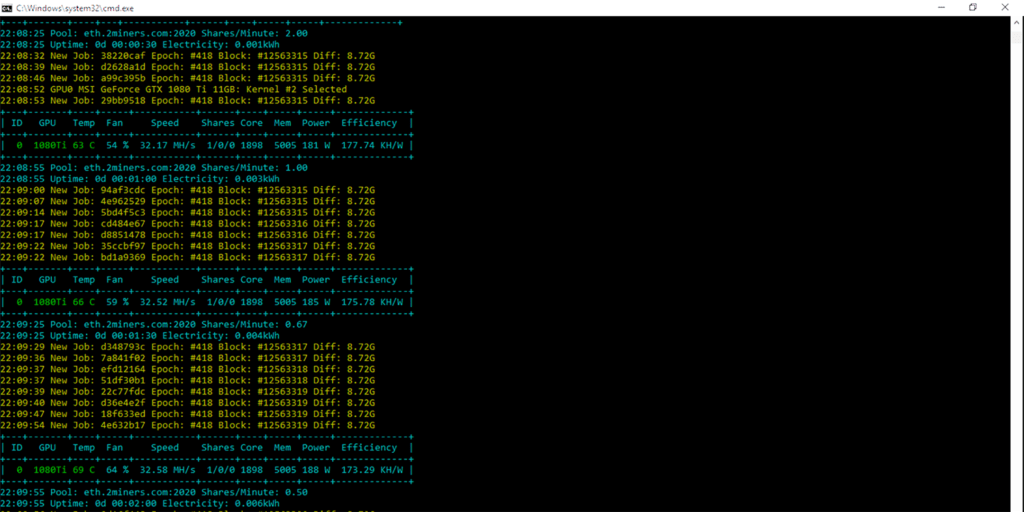
GMiner grew out of a group of Russian developers’ attempt to create a universal miner for Equihash coins. The first version was released in 2018 and quickly gained miners’ trust thanks to its stability and optimizations. Today, GMiner supports dozens of algorithms, including Ethash, KawPoW, Equihash, BeamHash, and, of course, kHeavyHash. The developers continue to actively develop the software; one of the reasons for its popularity is its ability to promptly add support for new coins and improve performance.
Minerstat calls GMiner “a high-performance miner for AMD and Nvidia,” emphasizing its efficiency and the ability to configure watchdog restarts and backup pools. For popular algorithms like Ethash and Etchash, the developer fee is no more than 0.65%, while for others, it ranges from 1% to 10%. This is average for the industry, but it’s still important to consider when calculating profitability.
A look from the inside
A review on the Crypto Mining Blog calls GMiner a “miner’s Swiss Army knife,” and for good reason. The program works on both Nvidia and AMD hardware, supports automatic optimization for specific architectures, and can bypass the LHR limitation of graphics cards. A built-in watchdog restarts the miner if it freezes, supports multiple pools, and displays approximate power consumption for each card. Beginners appreciate that GMiner automatically selects cores ( --kernel) for the GPU, while experienced users appreciate the ability to specify specific devices and fine-tune the settings.
In version 3.21, GMiner added the ability to dual mine Kaspa + Zilliqa (ZIL) and other combinations. It works like this: you mine KAS on kHeavyHash most of the time, and when the “ZIL epoch” arrives (about a couple of minutes every couple of hours), the miner automatically switches to Zilliqa and generates additional income with virtually no loss in hashrate on the main coin. The only drawback noted on Crazy-Mining.org is that when switching to dual mode, GMiner may have trouble maintaining low GPU voltage, and power consumption increases compared to LolMiner. If maximum energy efficiency is important, this is worth considering.
Cool-Mining.org notes that the 3.20 release has brought a significant increase in hashrate on older NVIDIA GTX 10-series cards—around 5%. The developer’s fee for Kaspa mining is 1%, which is attractive compared to some competitors. It’s important to download the miner only from the official GitHub or reputable websites—both Crazy-Mining and Crypto Mining Blog emphasize this point, as counterfeit miners are common.
Setup and launch
The classic GMiner launcher is a simple .bat file on Windows or an .sh script on Linux, which specifies the algorithm, pool address, and wallet. For example:
miner.exe --algo kheavyhash --server pool.eu.woolypooly.com:3112 --user KAS_Кошелёк.Worker --pass x
You can specify multiple servers ( --zilserver) for dual mining with Kaspa and ZIL, set core, memory, and voltage frequencies, and, on Linux, additionally use nohup[or] screenfor background mining. In an article on Cool-Mining.org, the author recommends choosing a pool close to you and monitoring its network share to support decentralization and receive payouts without delays.
🛠️ LolMiner: Master of Simplicity and Energy Efficiency
General description
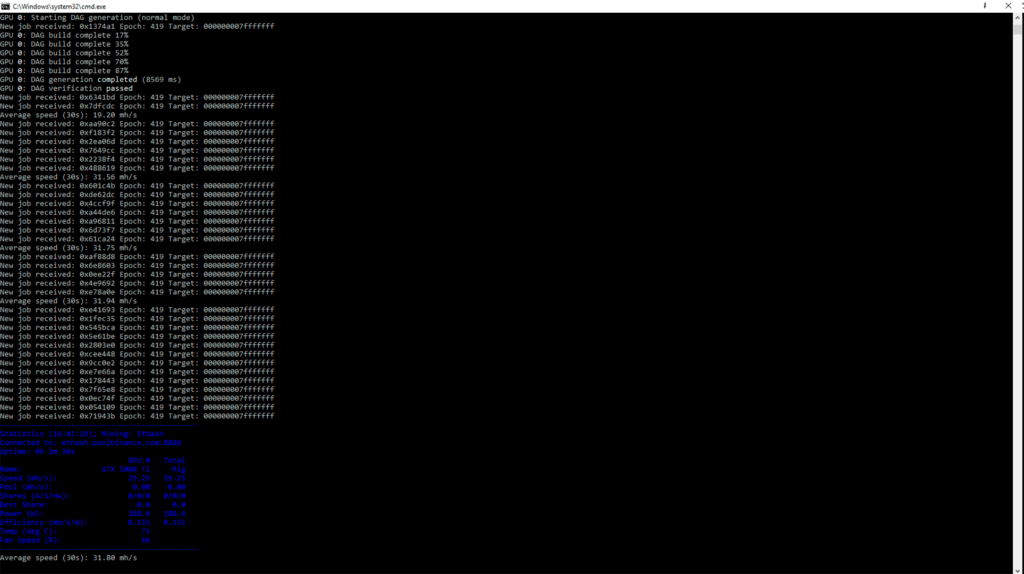
LolMiner was originally created for AMD cards and the Equihash and Cuckatoo algorithms. Minerstat reports that the program supports 26 algorithms, runs on Windows and Linux, and charges a 1% commission. Despite its AMD focus, the miner now also offers excellent support for Nvidia, especially thanks to optimizations for kHeavyHash. lolMiner’s developer is an enthusiast nicknamed Lolliedieb, who proposed the HeavyHash modification for Kaspa and is actively implementing improvements to the code.
Features and updates
LolMiner is renowned for its low power consumption and stability. A Crazy-Mining.org article on version 1.64 notes that lolMiner demonstrates the best performance when mining Kaspa: hashrate increases of up to 8–8.5% on Pascal cards, up to 5% on Turing and Ampere cards, and up to 3–4% on AMD Navi cards. Importantly, this increase is achieved without a significant increase in power consumption, and in some configurations, it is even reduced.
The developers have added experimental parameters for controlling core and memory frequencies, power limits, and even fan speed directly from the miner ( --coff, --moff, --pl, --fan). There’s an option --no-oc-resetthat prevents overclocking settings from being reset when exiting the miner—it’s a small thing, but it saves time. LolMiner also supports dual and triple mining, but the developers acknowledge that adding ZIL may slightly reduce Kaspa’s hashrate. Instructions for running dual mining with ETC+KAS (or ETChash+KAS) are detailed on Crazy-Mining.org: simply specify the primary algorithm, then the KASPADUAL mode and the parameters of the second pool.
Why is lolMiner popular?
In the mining world, they say, “lolMiner is for when you just want to forget about the miner and just mine coins.” Indeed, the program has minimal dependencies, requires no installation, and configuration comes down to a couple of parameters. However, it’s worth keeping in mind the fee: 1% for all algorithms, including kHeavyHash. This isn’t a record, but for some, it could be significant.
Unlike GMiner, lolMiner doesn’t have a built-in watchdog. Therefore, users often launch the miner through external scripts (Bash, PowerShell) or use monitoring tools like minerstat or Hive OS to restart the process in case of crashes.
Launch instructions (Windows/Linux)
- Download the latest version of lolMiner.
- Create or edit a file
.bat(Windows) or.sh(Linux) in the miner folder. - Example command (replace wallet and pool):
lolMiner.exe --algo KHeavyHash --pool kas.2miners.com:2020 --user YOUR_KASPA_WALLET_ADDRESS.worker_name
pause
--algo KHeavyHash: Sets the desired algorithm.--pool: Pool address.--user: Wallet address and worker name (separated by a dot).--nvidia(optional) : For Nvidia cards, you can add overclocking parameters such as--cclock(core) and--mclock(memory) to improve efficiency.
⚔️ Key differences between LolMiner and GMiner
| Criterion | LolMiner | GMiner |
|---|---|---|
| Developer’s commission | Fixed 1% for all algorithms | 0.65% for Ethash/Etchash, 1–10% for others (for kHeavyHash – 1%) |
| Optimization for kHeavyHash | Improvements in version 1.64 provide an increase of 8-8.5% on Nvidia Pascal, 4-5% on Turing/Ampere, 3-4% on AMD Navi | Version 3.20 increased hashrate by ~5% on older GTX 10xx; dual mining KAS+ZIL increases revenue but increases consumption |
| Energy consumption | Power and frequency management modes help reduce power consumption; lolMiner often outperforms kHeavyHash in watts, especially without dual mining. | In single-currency mode, consumption is similar, but with dual mining Kaspa+ZIL, power consumption is noticeably higher due to unstable voltage. |
| Hardware support | Initially targeted at AMD, but works well on Nvidia as well; supports 26 algorithms | Universal: supports over twenty algorithms and 112 coins; kernel auto-tuning, LHR unlocking |
| Double/Triple Mining | Supports dual/triple mining (e.g., ETC+KAS+ZIL); configuration examples are published at Crazy-Mining.org | Version 3.21 introduced support for dual KAS+ZIL and other combinations; switching minimally reduces hashrate. |
| Tools and monitoring | No built-in watchdog; requires external scripts or monitoring | Built-in watchdog, failover pools, power consumption output |
🎒 Practical tips and recommendations
- Choose the right wallet. The official Kaspa web wallet takes just a minute to create, but don’t forget to save your seed phrase. The author at Cool-Mining.org reminds us: key security is sacred, and Crypto-Wallets.org confirms the importance of backups. If you plan to store significant amounts, consider the KDX desktop wallet or hardware solutions.
- Don’t be lazy in searching for a reliable pool. WoolyPooly, ACC Pool, and HashPool are popular options. Choose a pool with servers closest to you, and pay attention to the fee (usually 1–2%). Check the hashrate distribution statistics: network decentralization benefits everyone.
- Experiment with settings. Even small changes to the core frequency or power limit can reduce consumption and increase profits. LolMiner allows you to change frequencies directly in the miner (
--coff,--moff); in GMiner, you’ll need to use external software (MSI Afterburner, Hive OS). - Stay tuned for new versions. Both lolMiner and GMiner are actively updated, adding support for new cards and increasing their hashrate. Subscribing to Crazy-Mining.org and the Crypto Mining Blog helps you stay up to date. Releases can bring pleasant bonuses, such as improved performance on older GPUs or a new dual mining scheme.
- Compare profitability. Before installing a miner, take a look at profitability calculators (WoolyPooly, Minerstat). However, remember: these calculations are approximate and depend on the coin’s price and network difficulty. Kaspa remains a rapidly growing ecosystem, but the block reward decreases every month.
🔮 Conclusion
LolMiner and GMiner are both worthy tools for mining Kaspa using the kHeavyHash algorithm. They are similar, like two miners, but operate differently. LolMiner is renowned for its simplicity, energy efficiency, and rapid implementation of optimizations for new algorithms. GMiner, on the other hand, is a versatile mining tool: automatic tuning, dual mining, support for multiple algorithms, and convenient monitoring features. The choice depends on your priorities: maximum energy savings – choose lolMiner; flexibility and the ability to mine two coins simultaneously – choose GMiner.
It’s amazing how quickly the echoes of Ethereum’s demise, PoW, have transformed into a new GPU mining landscape. Kaspa, a project until recently little known, has become a lifeboat of sorts. And while there are no eternal guarantees in this sea of energy and bits, choosing a wise miner, the right settings, and curiosity will help you catch the wave. Good luck, and may your fans hum for a reason! 😉
Read more:
 How to set up GMiner for Kaspa mining using the kHeavyHash algorithm
  AwesomeMiner (Crack): Download CPU/GPU/ASIC/FPGA Miner for Windows/Linux
  PhoenixMiner 5.1c: Download fastest Ethash miner with Low DevFee (Win/Linux)
  Kaspa (KAS): Mining Prospects and Profitability in 2025-2026
  Best Miner for Ravencoin (RVN): T-Rex, GMiner or NBMiner?
  PhoenixMiner v5.0e: Download Ethereum (Ethash) GPU miner for Windows & Linux.