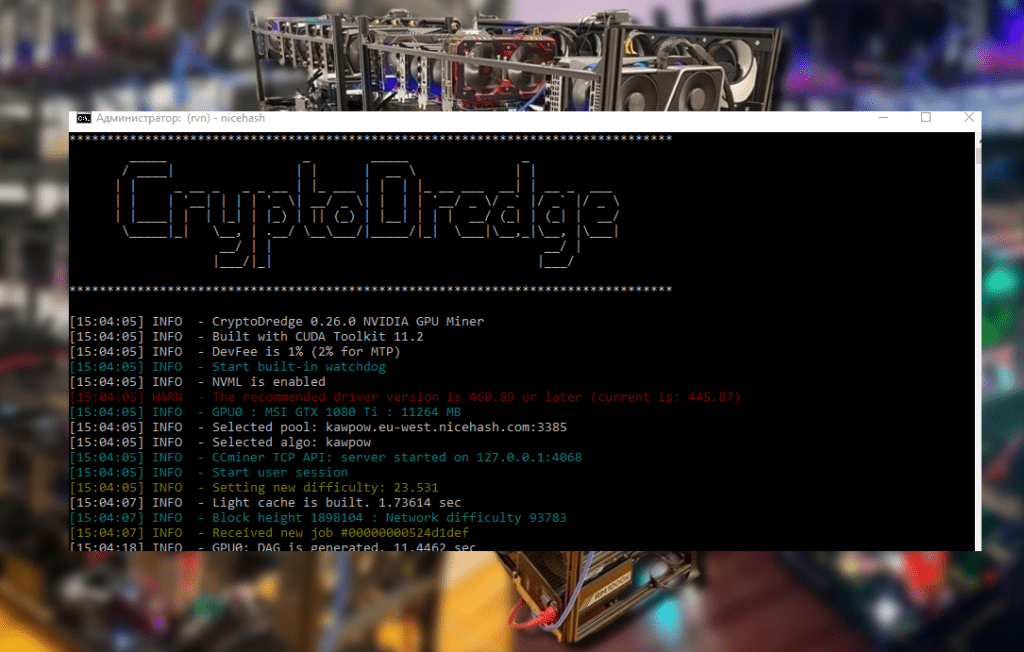

Learn how to properly configure the WildRig Multi miner on AMD graphics cards for mining Alephium and other altcoins. This detailed guide includes setup examples, bat file tips, an analysis of the BLAKE3_ALEPHIUM algorithm and PoLW features, overclocking tips, and links to reputable crypto resources.
WildRig Multi for Altcoins: How to Make Your Miner and Your GPU Work Together
More and more enthusiasts are switching to mining the young altcoin Alephium, but many are intimidated by the need to choose the “right” miner. WildRig Multi is one of the few tools that performs equally well on AMD GPUs and offers a huge selection of algorithms. Contrary to the popular belief that it’s a program for Ravencoin, it can also work with new projects like Alephium. In this article, I share my experience installing, configuring, and overclocking WildRig Multi using ALPH mining as an example.
📦 What is WildRig Multi and why does a miner need it?
WildRig Multi was born as a multi-algorithm miner for AMD graphics cards. Starting with version 0.18, the program learned to support the RX 5700 and other RDNA cards, and later acquired full support for all AMD generations and many NVIDIA models. The latest release in 2026 even includes support for the RDNA 3 architecture and the upcoming RDNA 4. The developer allows a commission reduction of up to 1%, and for most algorithms, the miner takes only 0.75–1%.
WildRig Multi is attractive for mining “unusual” PoW projects. For example, NEXA and FIRO, where the miner shows increased hashrate and lower fees. For Alephium, support for the BLAKE3_ALEPHIUM algorithm is crucial (in fact, for older AMD generations, the miner is the only option). The official GitHub resource lists the supported GPUs and describes options in detail, including algorithm selection (–algo), pool address (–url), and intensity parameters (–gpu-intensity).
🧠 How Alephium Works and Why You Need PoLW
Before setting up a miner, it’s important to understand how Alephium differs from traditional coins. It’s a layer 1 coin with original BlockFlow technology (16 sharding chains) and a unique PoLW consensus. A portion of the reward is burned during mining, making the network more resilient and energy-efficient. In 2024, the “Rhone” upgrade reduced the block interval from 64 to 16 seconds, and in 2025, “Danube” further halved the time, simultaneously introducing “tail emission.” These upgrades increase confirmation speeds, but the block reward size decreases proportionally, so a miner’s total income remains the same over time.
PoLW makes mining “greener”: with an average GPU, a miner receives, for example, 1.25 ALPH for “burning” 0.85 ALPH, while spending only 0.15 ALPH on computation. As long as the network hashrate remains in the hundreds of TH/s, competition is low, and solo miners can still “get in” at low difficulty.
🔧 Preparation: Drivers, Wallet, and Pool Selection
- Download the wallet. Alephium has desktop and mobile wallets. Choose the official version; the repository link is in the CoinMore and Alephium Pool instructions.
- Update your drivers. Make sure your AMD card driver is no older than version 24.20.0. Otherwise, WildRig Multi may not detect the device or may become unstable.
- Pool selection. Alephium’s official pools are located in Europe, the US, and Asia (ru1, us-west, hk), and you can also connect to SSL ports. If you prefer Russian platforms, you can try coinmore.io, which has ru1 and hk servers.
- Create an address in your wallet and save it. If you plan to solo mine, add a prefix
solo:before the address, as described in the pool’s documentation.
🎛️ Setting up WildRig Multi for Alephium
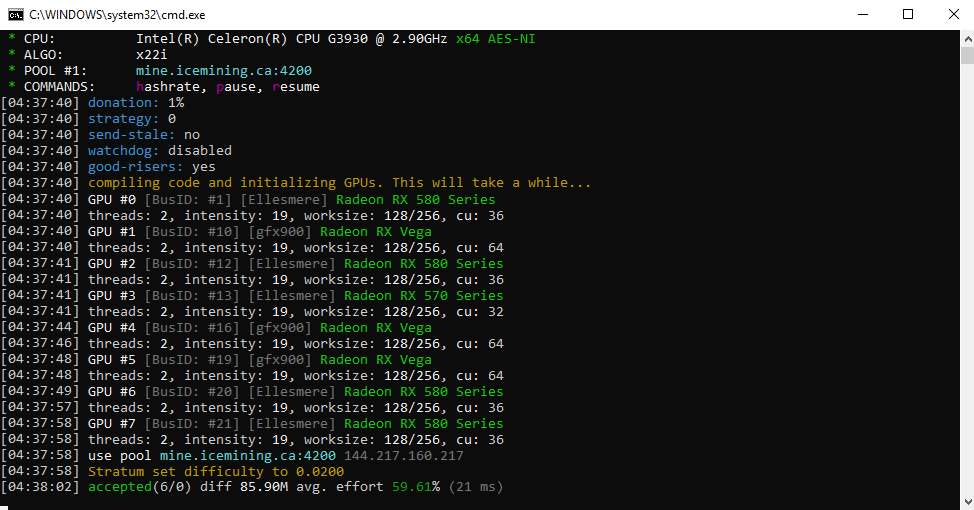
The most important step is to correctly compose the launch command. The miner is launched via the command line (Linux) or a batch file (Windows). Here’s the basic template:
wildrig.exe --print-full --algo blake3_alephium --opencl-threads 2 --url stratum+tcp://eu1.alephium-pool.com:20032 --user YOUR_WALLET_ADDRESS --pass x
Let’s look at the key parameters:
--algo blake3_alephium— selects the BLAKE3_ALEPHIUM algorithm, which is used for ALPH. Unlike the standard algorithmblake3, it has a separate descriptor. The Minerstat website provides an example for a different algorithm, but the principle is the same: replace the parameter--algowith the desired algorithm.--url— pool address and port. Replaceeu1.alephium-pool.com:20032with the closest server. CoinMore and Alephium Pool offer ports 20032 for regular connections and 20033 for SSL.--user— your wallet address. Can be addedsolo:for solo mining.--opencl-threadsand--opencl-threads— the number of OpenCL threads. The developer recommends leaving it at auto, but for BLAKE3_ALEPHIUM, a couple of threads is optimal. Articles on Cool-Mining emphasize that these parameters significantly impact stability and power efficiency.--gpu-intensity— core intensity. The default is auto. Sometimes increasing from 21×128 to 23×128 will give a 3–5% hashrate boost, but a higher value may cause rejections.--donate-level=1— reduces the standard 2% developer commission to 1%.
Save the bat file, double-click it, and check for errors. Minerstat recommends adding [ ] --opencl-platforms=amdto prevent attempts to use other platforms.
🛠 Fine-tuning and optimization
Experienced miners know that default settings don’t always provide the best hashrate. There are a number of additional options:
- Device Selection. If your system has multiple video cards, use this
--opencl-devices=0,1,3to select the ones you need. The first device has index 0. - Temperature limit. This setting
--gpu-temp-limit=80 --gpu-temp-resume=60allows mining to be stopped when the temperature exceeds 80°C and resumed when it drops to 60°C, preventing equipment from overheating. - Overclocking and power consumption. WildRig Multi allows you to set the core and memory frequencies (
--gpu-core-clock,--gpu-memory-clock) and limit the power (--gpu-powerlimit). On older GCN cards, it’s important not to undervolt, otherwise the miner will become unstable. - Logging. To analyze problems
--log-file=c:\wildrig.log, specify that the miner save output to a file.
💡 Specific nuances for AMD
WildRig Multi is designed for AMD GPUs, but different architectures behave differently. The developer reminds that older GCN 1 cards (HD 78×0, R9 270, etc.) are not supported. When mining intensive algorithms (X16r, ProgPoW, BLAKE3), power consumption increases sharply, so the Cool-Mining blog recommends monitoring the quality of power supplies and avoiding undervolting.
On RDNA 2/3 cards, it’s best to experiment with the optimal intensity. Users note that increasing the intensity opencl-threadsto 3 sometimes increases the hashrate, but leads to instability. Start with 2 threads and gradually increase them, monitoring the number of rejections and temperature.
🌍 Other altcoins: NEXA, FIRO, and the community
WildRig Multi isn’t just for Alephium. Crazy-Mining compares its performance on NEXA and notes that version 0.36.6 increased the hashrate by up to 8% and reduced the dev fee to 2%. The crypto-mining.blog blog describes the setup for KawPow and Firo, also providing sample .bat files and recommending replacing them YOUR_ADDRESSwith RIG_IDyour own data. These are universal principles: for any coin, you need to select the right algorithm ( --algo), pool ( --url), wallet ( --user), and adjust the parameter if necessary --donate-level.
😊 Personal experience and advice for beginners
As someone who has lived through several crypto winters and double-digit electricity bills, I’ll offer a few tips:
- Don’t go for extreme overclocking. A 5% increase in hashrate isn’t worth the risk of frying your card, and PoLW still reduces power consumption.
- Check the hashrate on different pools. Sometimes protocol changes lead to different efficiency; switching between the Alephium and CoinMore pools, I saw a difference of up to 10% in accepted shares.
- Keep two miners on hand. If WildRig suddenly fails to start after a driver update, it’s useful to have SRBMiner Multi or lolMiner as a backup; you’ll find links to them in the Alephium Pool instructions.
- Check out the community chats. The WildRig Multi developer is present on Discord and Bitcointalk; updates are often posted there before they are published on the websites.
Conclusion – Mining as creativity
Mining is no longer a set-it-and-forget-it scenario. Setting up WildRig Multi for Alephium is a balancing act between power consumption, performance, and transaction fees. With support for current AMD architectures and a multitude of options, this miner remains a reliable tool for those who like to experiment with new PoW coins. Remember that the Alephium network is constantly evolving: PoLW, block reduction, and future updates like improved DAA make it promising for long-term mining. Don’t be afraid to try and experiment, but be sure to monitor temperatures and read updates on cool resources like , , cool-mining.org , and .
Read more:
 PhoenixMiner 5.1c: Download fastest Ethash miner with Low DevFee (Win/Linux)
  AwesomeMiner (Crack): Download CPU/GPU/ASIC/FPGA Miner for Windows/Linux
  PhoenixMiner v5.0e: Download Ethereum (Ethash) GPU miner for Windows & Linux.
  SRBMiner-MULTI CPU & AMD GPU Miner v0.4.6 [Download for Windows/Linux]
  NBMiner v33.4 (NVIDIA & AMD GPU Miner for ETH, RVN, GRIN, BEAM)