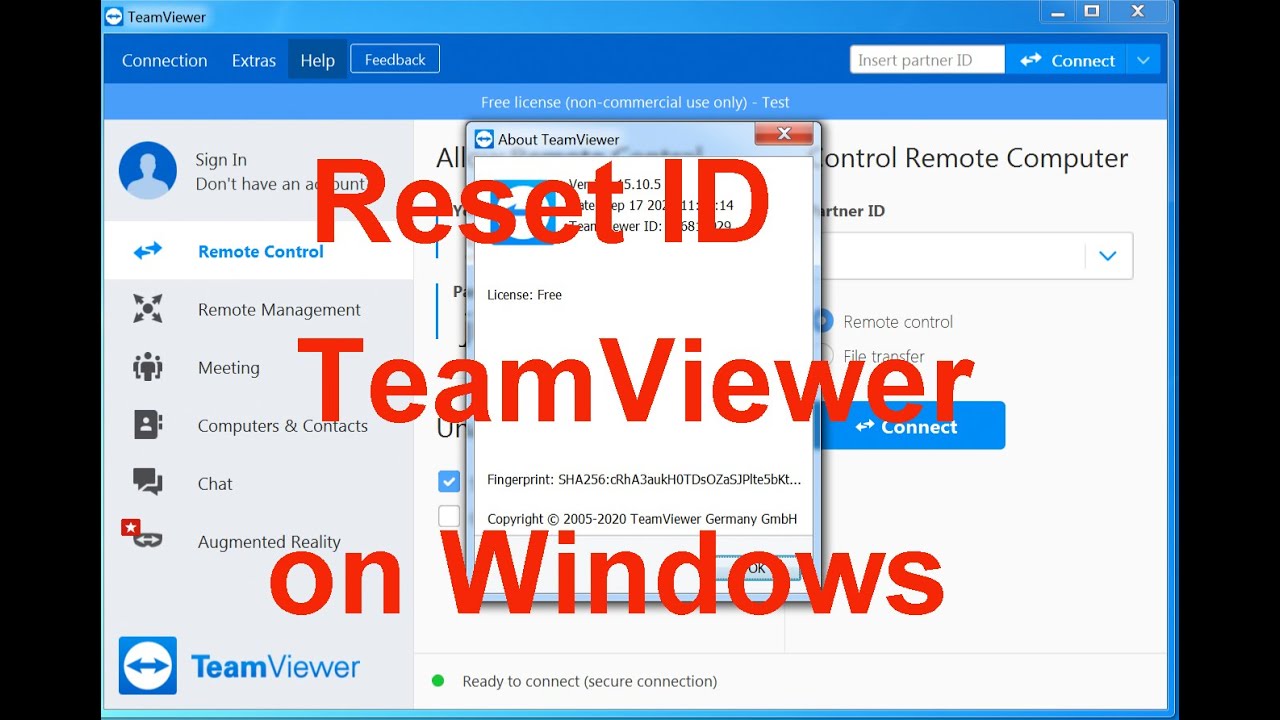
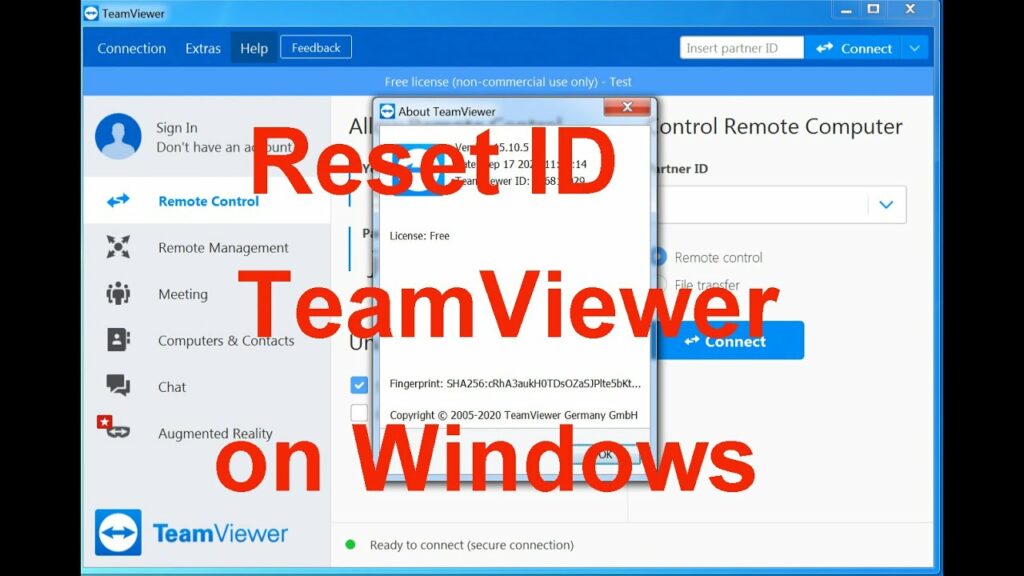
Some people have written to us that after updating to version 13, their version of TeamViewer started shutting down and limiting connections to one minute. This means you’re using it too frequently or connecting to different computers. The program suspects you’re using the free version for commercial purposes. To address this limitation issue, we’re providing the TeamViewerReset ID for you .
TeamViewer ID reset tools are scripts or manual processes used to change a device’s unique TeamViewer ID, which is often required after cloning a machine or to clear a “suspected commercial use” warning. Common methods include running community-created scripts, deleting registry keys (Windows), or deleting configuration files (Linux/macOS).
Place this file in the same location where your TeamViewer executable files (.exe) are located and optionally create a shortcut on your desktop.
TeamViewer ID reset tools. I’ve published these tools (source code) because there are only a few other ID reset tools available online, and some of them are untrusted binaries without source code.
These tools are currently under development and are designed to assist users who have been incorrectly flagged as using content for commercial purposes. In such cases, users typically contact TV support to request that their ID be unblocked, but this can take up to a week, while resetting an ID takes only a few minutes.
Please note that if you use TV in a way that violates their license agreement, these tools will not work for you.
Windows:
This has been confirmed to no longer work on Windows. I’ve confirmed it works on several Windows 10 computers, but further testing is required. This tool is written in Go, so it must be compiled before running. Some antivirus programs may generate false positives for this binary.
Linux: (Debian-based)
The Linux tool uses a more complex approach to ID changing than is typically required. This is because several machines I encountered refused to receive a new ID using traditional methods, so this software was written to address this issue. In my tests, it was 100% effective at resetting TeamViewer IDs on Debian-based distributions with a GUI (I haven’t thoroughly tested headless versions, but it would require some code modification). By default, this tool configures/resets teamviewer-host. This can be easily changed by editing the URL and/or filename in the code to install any version of TeamViewer you desire. The tool requires an internet connection to download the official TeamViewer binaries from teamviewer.com. After TeamViewer resets your ID and installs the latest version, it will also reset your password to a random 16-character password. This feature was implemented because, in my opinion, the default 8-character password is too weak. If you don’t like this feature, please comment out the code or change the password to whatever you prefer, as this is open-source software. 🙂 This tool is written in shell and will run natively on Debian-based Linux (Debian, Ubuntu, Mint, etc.). It won’t work on Fedora/CentOS-based distributions without editing the source code. Improvements to the code are on the todo list.
Mac:
There are already several tools available for resetting TV IDs in Python, so I suggest looking for them.
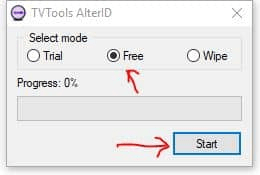
Instructions:
- Download TeamViewerReset ID
- Installing TeamViewer
- Activate using the activator
- We use the TeamViewer program